

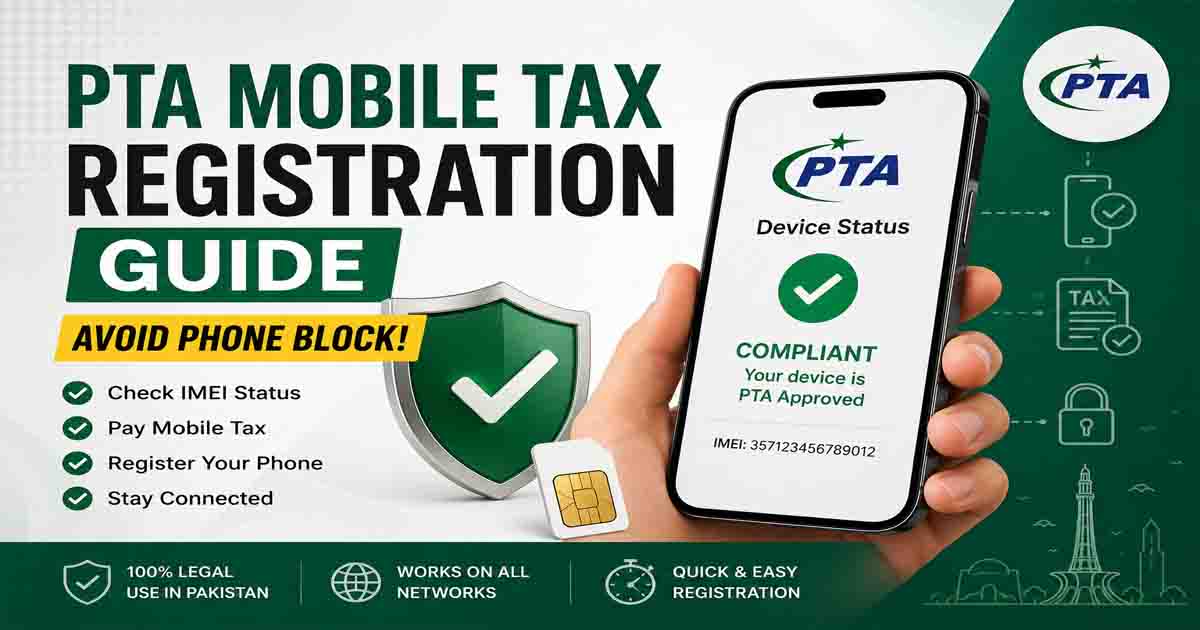
PTA mobile tax registration is a mandatory process for anyone using an imported smartphone in Pakistan. If your device is not registered with the Pakistan Telecommunication Authority (PTA), it may stop working on local SIM networks. This guide explains how the system works, how to register your phone, and how to avoid permanent blocking.
Understanding the PTA mobile tax registration process is important for both new buyers and existing users of imported phones, especially those purchased from abroad or online marketplaces.
Why PTA Mobile Tax Registration Is Important
The government of Pakistan uses the DIRBS (Device Identification Registration and Blocking System) to control illegal and unregistered mobile devices.
Here’s why PTA mobile tax registration is necessary:
- Ensures your phone works on all Pakistani networks
- Prevents sudden SIM blocking
- Confirms your device is legally approved
- Helps avoid issues when buying or selling phones
Without registration, your device may only function temporarily before being restricted.
How PTA Mobile Tax Registration Works
Every mobile phone has a unique 15-digit IMEI number. PTA uses this number to track and verify devices.
To find your IMEI, simply dial:
*#06#
Once you have your IMEI, you can proceed with the PTA mobile tax registration process.
Step-by-Step PTA Mobile Tax Registration Guide
Step 1: Check Your Device Status
Before registration, perform a PTA mobile tax registration check:
- Visit the official DIRBS portal (Just keep in mind that the site is geo-restricted to Pakistan; if you’re currently abroad, you’ll need to use a VPN set to a Pakistan location to gain access.)
- Enter your IMEI number
- Click “Check Status”
You will see:
- Compliant → Already registered
- Non-Compliant → Needs tax payment
- Blocked → Not allowed on networks
Step 2: Calculate PTA Mobile Tax
If your device is non-compliant, the system will calculate tax based on:
- Phone brand and model
- Import value
- Passport or CNIC status
This is a key part of PTA mobile tax registration before approval.
Step 3: Pay the Required Tax
Once the tax amount appears, you can pay using:
- Mobile banking apps
- ATM transfers
- Online banking portals
Make sure to keep the payment receipt for confirmation.
Step 4: Complete Registration
After payment:
- Your IMEI is submitted for approval
- PTA updates your device status
- Your phone becomes fully registered
Once approved, your PTA mobile tax registration is complete.
Quick SMS Method for Checking Status
You can also check your phone status quickly:
- Send your IMEI number to 8484
- Receive instant PTA response
This helps you confirm whether registration is required.
What Happens If You Don’t Register Your Phone?
Ignoring PTA mobile tax registration can cause serious issues:
- SIM services will stop working
- Mobile data access may be blocked
- Device may become permanently unusable in Pakistan
- You may face additional penalties or taxes
Tips to Avoid Phone Block in Pakistan
To stay safe from network issues:
- Always complete PTA mobile tax registration before using imported phones
- Verify IMEI before buying second-hand devices
- Avoid unregistered sellers
- Keep your tax documents safe
These simple steps protect your investment and ensure smooth usage.
Final Thoughts
PTA mobile tax registration is essential for every smartphone user in Pakistan. It ensures your device remains active, legal, and fully functional on all mobile networks. By checking your IMEI and completing registration on time, you can easily avoid phone blocking issues and enjoy uninterrupted service.
Always verify before purchase and complete your PTA mobile tax registration early to stay on the safe side.
For Temorary registration read our guide: PTA Mobile Registration for Foreigners: Stop The Block
FAQs – PTA Mobile Tax Registration
1. What is PTA mobile tax registration?
It is the process of registering your mobile device with PTA using your IMEI number so it can legally work on Pakistani networks.
2. How do I check my PTA mobile status?
You can check it by dialing *#06#, then entering your IMEI on the PTA DIRBS website or sending it to 8484 via SMS.
3. What happens if my phone is not registered with PTA?
Your phone may stop working on SIM networks and get blocked until tax is paid and registration is completed.
4. How much PTA tax do I need to pay?
The tax depends on your phone model, brand, and value. PTA calculates it automatically during the registration process.
5. Can I use my phone without PTA registration?
Yes, but only for a limited time or with Wi-Fi. Mobile SIM services may not work permanently.
6. How long does PTA registration take?
Usually, it takes a short time after tax payment, but processing may vary depending on PTA verification.
Final Thoughts
PTA mobile tax registration is essential for keeping your smartphone active in Pakistan. By checking your IMEI, paying the required tax, and completing registration on time, you can avoid network blocking and ensure uninterrupted mobile service.
Always verify your device before purchase and complete PTA registration early to stay compliant and stress-free.
